
AI photo restyle

Every version of you.

One photo in. An 80s studio portrait, a 90s yearbook shot, a Bollywood classic or a clean headshot out — in about ten seconds, in your browser.

Open the studio
  • 20 looks
  • No signup
  • Photo discarded after rendering
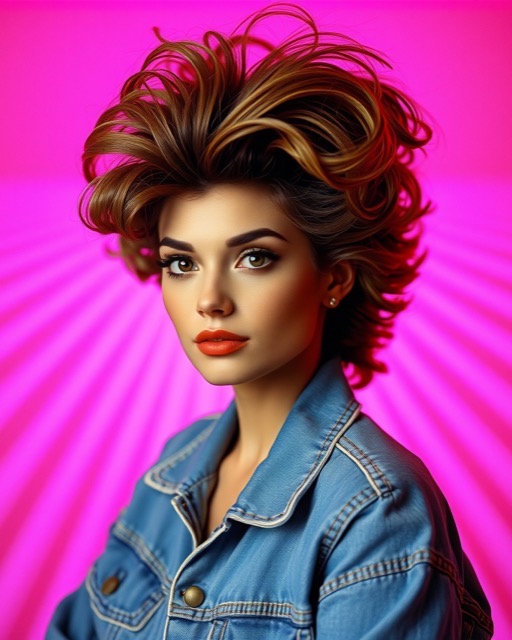
An 80s studio portrait made with Aestia
'80s Studio
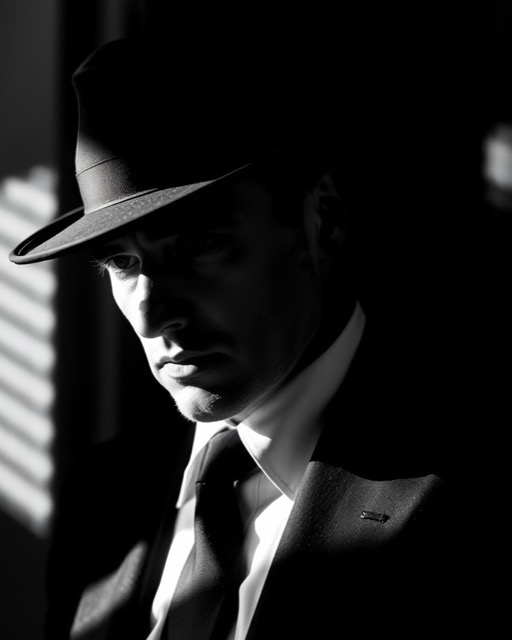
A film noir portrait made with Aestia
Film Noir
A professional headshot made with Aestia
Pro Headshot
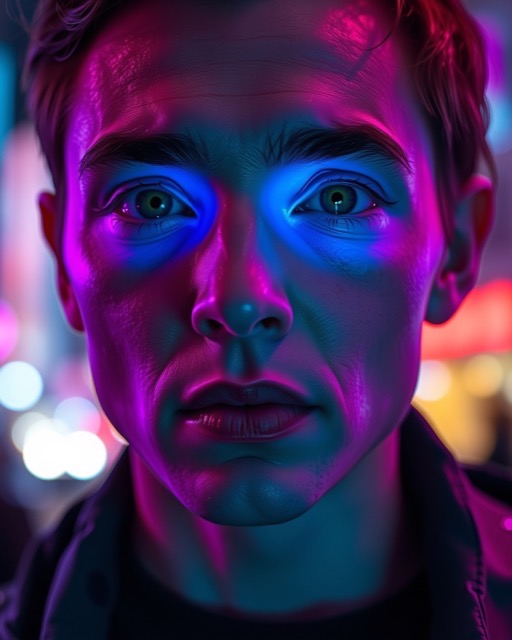
A cyberpunk portrait made with Aestia
Cyberpunk
01

Your photo

Never stored — used for the render, then discarded.

02

Pick a look

Write your own direction

Your face stays locked either way — the preservation instructions are always prepended.

03

Identity lock

How much of your own face to hold on to. Cloud renders keep your likeness anyway; this governs renders made on your device.

04

Size

Local engine

Checking your browser…

Nothing here yet

Choose a photo, pick a look, and make your first image.

How it works

Four steps, about ten seconds

01

Upload

Your photo is resized in your browser before it ever leaves your device.

02

Pick a look

Each look is a tuned instruction set built from real period references — not a filter.

03

Lock the face

Every prompt preserves your bone structure, skin tone and features first, then changes only hair, wardrobe, background and grade.

04

Take it home

Free results carry a watermark. ₹10 releases the clean full-resolution file.

Pricing

Pay for the one you love

No subscription, no credit bundle to burn through. Restyling is free; you pay only to take an image home clean.

Restyle

Freeevery time

Unlimited looks, watermarked. No account, no card, no trial clock.

Clean file

₹10per image

Removes the watermark from the image you already have. Nothing re-renders.

Studio quality

₹20per image

A larger model — better light, depth and skin detail. Clean file included.

FAQ

Questions

Do you keep my photo?

No. Your photo is sent for the render and discarded. Results are not stored on our servers — your history lives only in this browser, and clearing it removes it permanently.

Will it still look like me?

That is the whole design. Every prompt front-loads instructions preserving your facial structure, complexion and features, and we send your photo as two reference images to strengthen the likeness.

Is it free?

Yes. Results are free and watermarked. Removing the watermark costs ₹10 — and that does not re-render anything, it releases the clean file you already made.

What is studio quality?

A second render on a larger model — better lighting, depth and skin detail, and it is actually faster. Identity quality is comparable; you are paying for craft.

What is the local engine?

On a desktop browser with WebGPU, the model downloads once in the background and renders on your own graphics card — offline, unlimited and free. It has no identity lock, so photo restyles done on-device may not keep your likeness; when that happens the result says so.

Can I use it on my pet?

Yes, and it works especially well. Pet looks skip human-identity handling entirely.

Models & engines

Where to render

Auto picks whatever can do the job best. The other two pin one path so you can compare them directly.

In the cloud

Used first for photo restyles — these keep your likeness. Nothing to install.

On your device

Downloads once, then runs on your graphics card — free, unlimited and offline. Used automatically when cloud renders run out.

Checking… —

Your face is held in place by an on-device detector, so a restyle keeps you rather than inventing someone new. The lock strength is in the studio panel.

Licences

What Aestia is built on, and what each licence permits.

Attribution is required by some of these licences. It is not a substitute for permission: components that forbid commercial use are not used here at all, credited or not.